
Brand kit
The Wiity logo, colours and type, ready to use.
Official files for press, partners, event organisers and anyone referring to Wiity. Use them as supplied, give them room, and keep the live dot live.
Pack includes every SVG and PNG below, plus the logo usage and colour specification notes.

01 / Logos
Two forms, four versions.
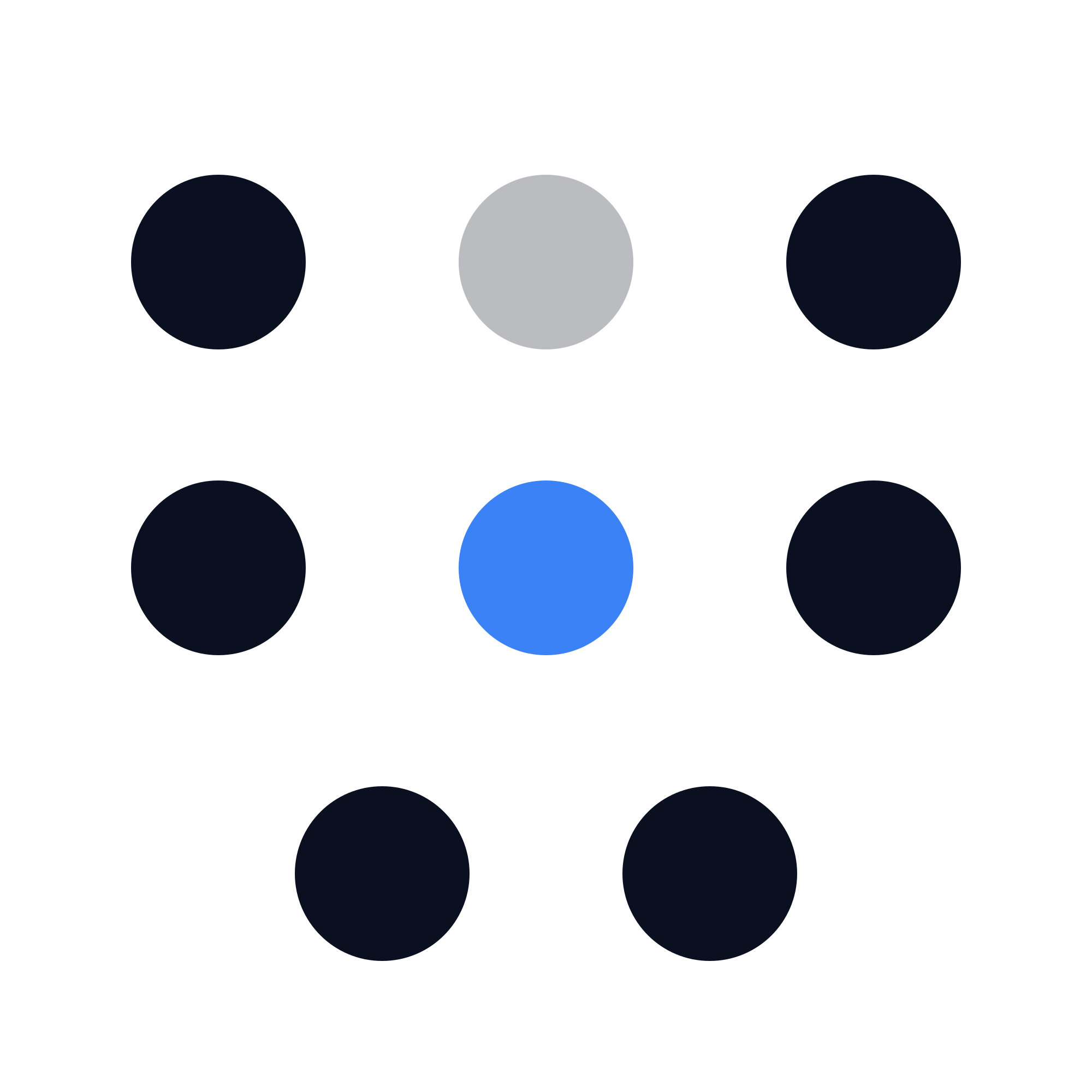
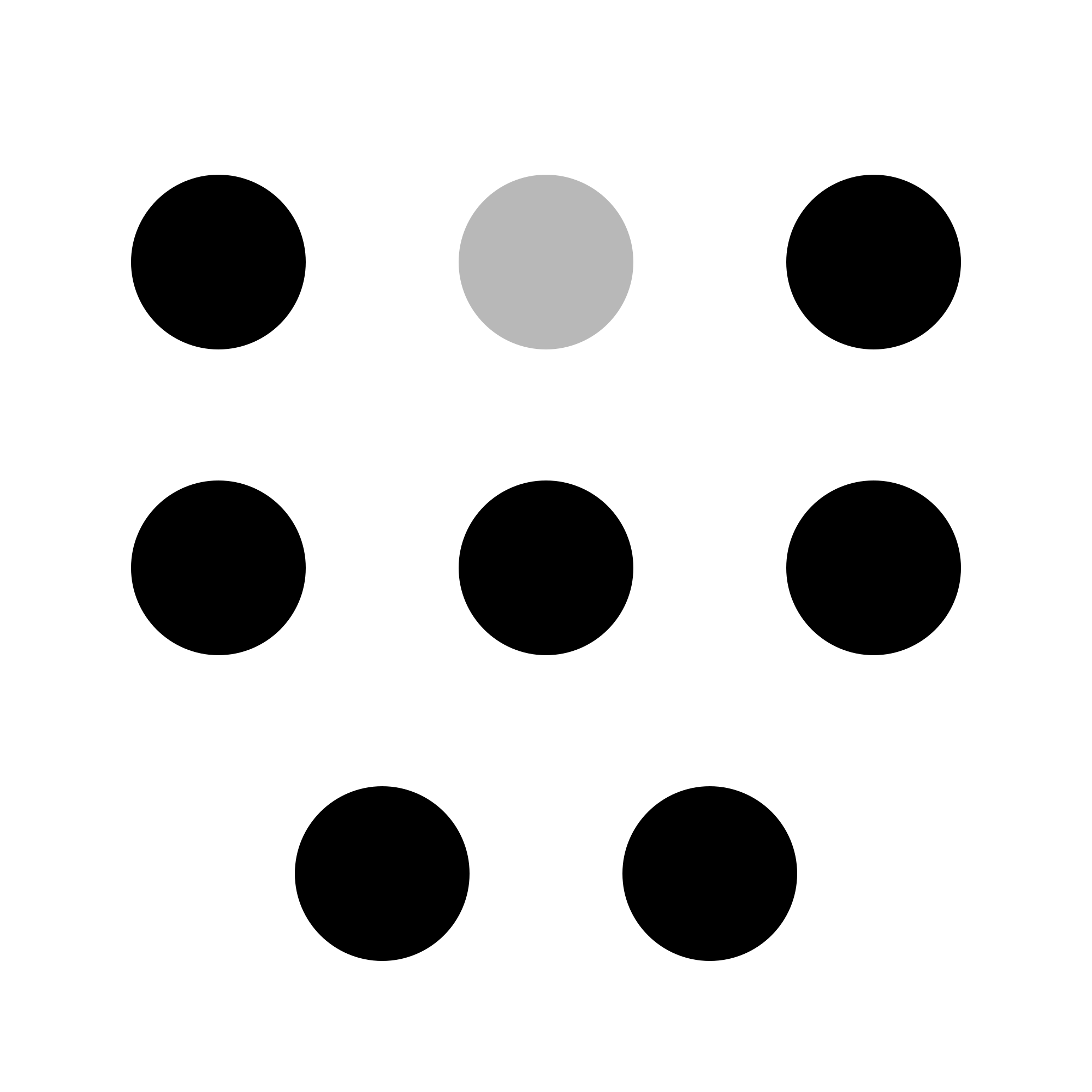
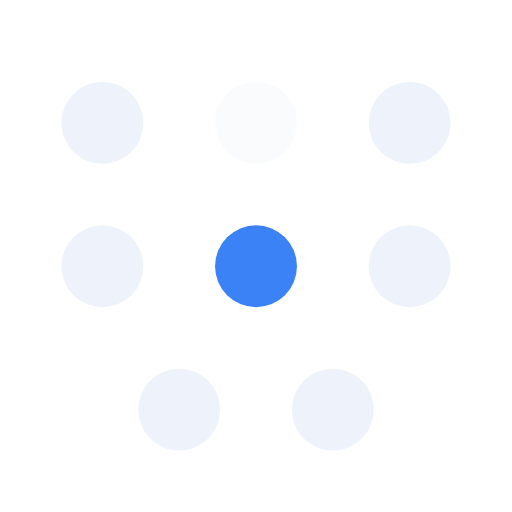
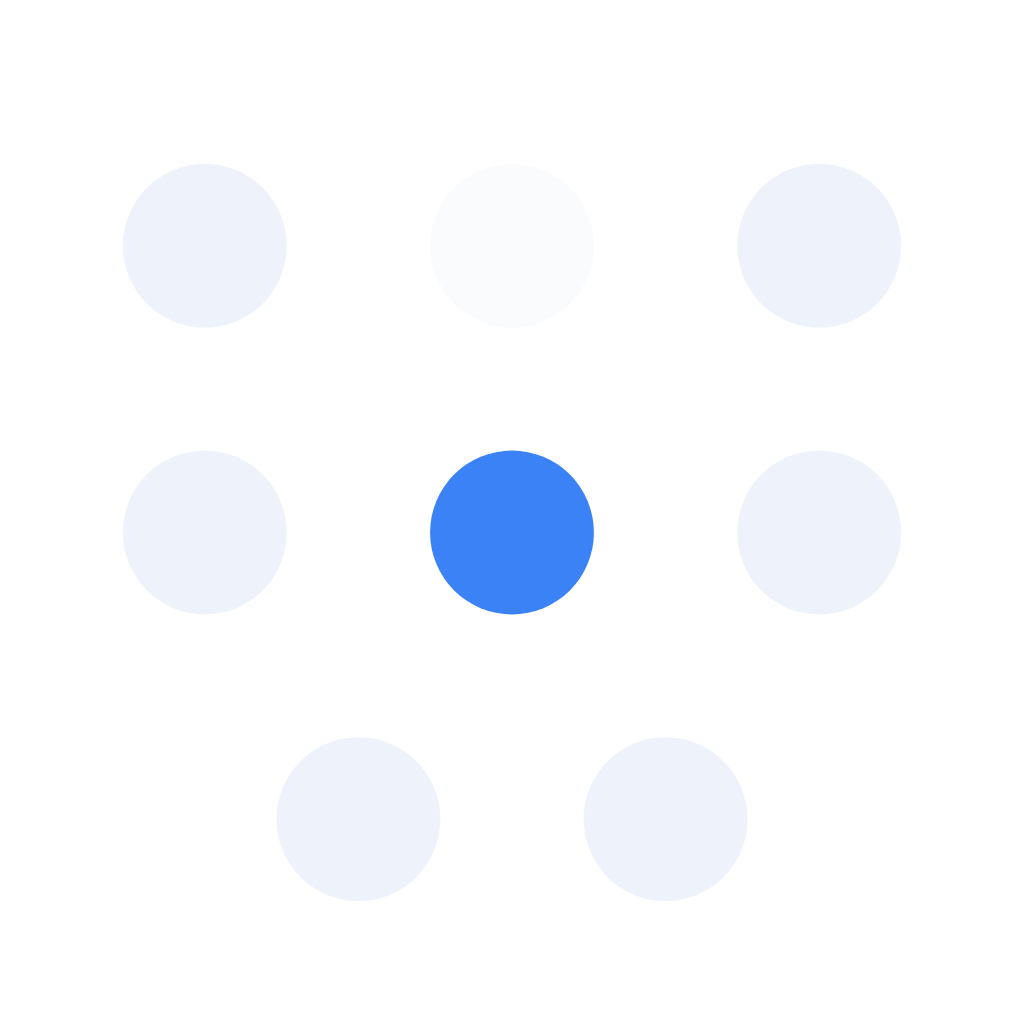
The horizontal lockup is the default. Use the mark alone for app icons, avatars, favicons, embroidery and anywhere under 24px tall. SVG is the original vector file; PNGs are transparent and sized by width.
Horizontal lockup




Mark



















02 / Colour
Mostly surface. A little signal.
If a signal colour is more than 5% of a layout, something is shouting. Select any code to copy it.
Surfaces
Navy
Primary dark surface
Navy 2
Cards on dark
Ice
Primary light surface
White
Cards on light
Signals
Cobalt 500
Brand primary. Primary action, links, active states, charts
Cobalt 700
Text-safe cobalt for type on Ice (6:1)
Acid lime 500
Live, running, complete. Dots and fills only, never text
Magenta 500
"For you": a human is needed. Dots and tints only
Terracotta 500
The only alert: expired, overdue, failed
Slate 500
Secondary text, muted UI, hairlines
Slate 700
Text-safe slate on Ice
On Ice, use the 700 step for any coloured type. Body text must clear 4.5:1. Lime and Magenta never carry text. For print, specify Pantone: Cobalt 2727 C, Acid lime 380 C, Navy 5255 C, Ice 656 C.
03 / Typography
Lexend for reading. Plex Mono for measuring.
Aa
Lexend
Headings and body: anything a human reads. Bold 700 for headings with tracking tightening as size grows (-0.05em display, -0.035em H2). Body 400 at 15/1.6. Google Fonts, open licence.
01:24
IBM Plex Mono
Anything measured: timestamps, counts, IDs, statuses, section labels. 500 weight, never a sentence, never above 13px except the 10px uppercase label. Google Fonts, open licence.
Substitutes: system-ui then Helvetica Neue for Lexend; ui-monospace then Menlo for Plex Mono. The wordmark is outlined in every supplied file, so no font install is needed to use the logo.
04 / Usage
Eight dots. One of them live.
Construction
Eight dots on a 100-unit grid. Seven take the text colour, the top-centre at 28% opacity. The centre of the middle row is the live dot, and the .ai in the wordmark always matches it exactly. There is no seven-dot version.
Clear space
One dot diameter on all sides, 16% of the mark width. Nothing enters it.
Minimum sizes
- Mark alone
- 16px / 6mm
- Lockup
- 24px tall / 8mm
- Embroidery
- Mark only, 20mm
Choosing a version
On Ice for light backgrounds, On Navy for dark. Mono white over photography or garments; mono black for one-colour print and engraving. Over busy photography, place a Navy scrim first.
Please do not
- Stretch, skew, rotate or re-space the dots
- Recolour the mark or move the .ai away from the live-dot colour
- Add outlines, shadows, bevels or glows
- Place a gradient behind the wordmark
- Remove a dot or redraw the mark by hand
- Combine the logo with another mark to form a new one
05 / Permission
What these files are for.
You may use them to
- Identify Wiity in articles, reviews and editorial coverage
- Refer to Wiity in event listings, speaker or supplier lists
- Link to Wiity or reference our work accurately
They do not allow
- Implying a partnership, sponsorship or endorsement by Wiity
- Using altered or modified versions of the logo
- Merchandise, co-branding or product use without written permission
- Any transfer of ownership or rights in the Wiity brand
For merchandise, co-branding or anything not covered here, contact the Wiity team before you start. Use of these files is subject to our website terms.